You do not need a big project to start using AI well. The safest way in is a small, repeatable administrative task, one that a person can check before anything reaches a customer. This guide walks through how to pick that first task and how to run it responsibly.

What AI can and cannot do
AI chat assistants are good at organizing, summarizing and drafting text based on instructions you give them. They are not good at knowing your customers, your carriers or your state rules unless you tell them, and they can sound confident while still being wrong. Treat every output as a draft written by a new team member who has never seen your files.
In plain words:
- AI can help sort a backlog of emails, draft a first version of a letter, or build an internal checklist.
- AI cannot confirm what a policy covers, decide eligibility, or tell a customer what to do about their coverage.
Tasks AI helps with vs what stays with a person
| Task | AI can help | Stays with a person |
|---|---|---|
| Sorting an inbox or document pile into categories | Yes, with clear categories you define | Final placement and anything urgent |
| Drafting a routine follow-up email | Yes, as a first draft | Checking facts, sending to the customer |
| Summarizing a long internal document | Yes, as a starting point | Verifying the summary against the source |
| Building a checklist for a repeatable process | Yes | Confirming it matches your actual workflow |
| Deciding coverage, pricing or eligibility | No | Always a licensed person |
Before and after: a small pilot
Before: A team member spends an hour each week manually sorting incoming document requests by type before routing them.
After: The team asks an AI assistant to read anonymized, placeholder versions of the requests and suggest a category from a fixed list. A person reviews the suggested categories once a day, corrects mistakes, and only then routes the real documents. The AI never sees the actual customer file; it works from a cleaned summary someone types in.
This keeps the time saving while keeping a human decision in the loop before anything moves forward.
Example prompt
You are an assistant helping an insurance agency sort incoming requests into categories. Here is a list of request summaries, one per line, with no names or policy numbers. Categories are: [list of categories]. For each summary, suggest one category and explain your reasoning in one sentence. If a summary does not clearly fit, say "needs human review" instead of guessing.
Protecting customer data
Start with fictional or heavily anonymized information whenever you are testing a new use case. Real customer files, especially anything involving health, financial accounts or Social Security numbers, should only go into a tool your agency has reviewed and approved, with a clear understanding of the vendor's data terms. When in doubt, use placeholders like [customer name] or [policy number] and fill in real details yourself after the AI finishes drafting.
Human review checklist
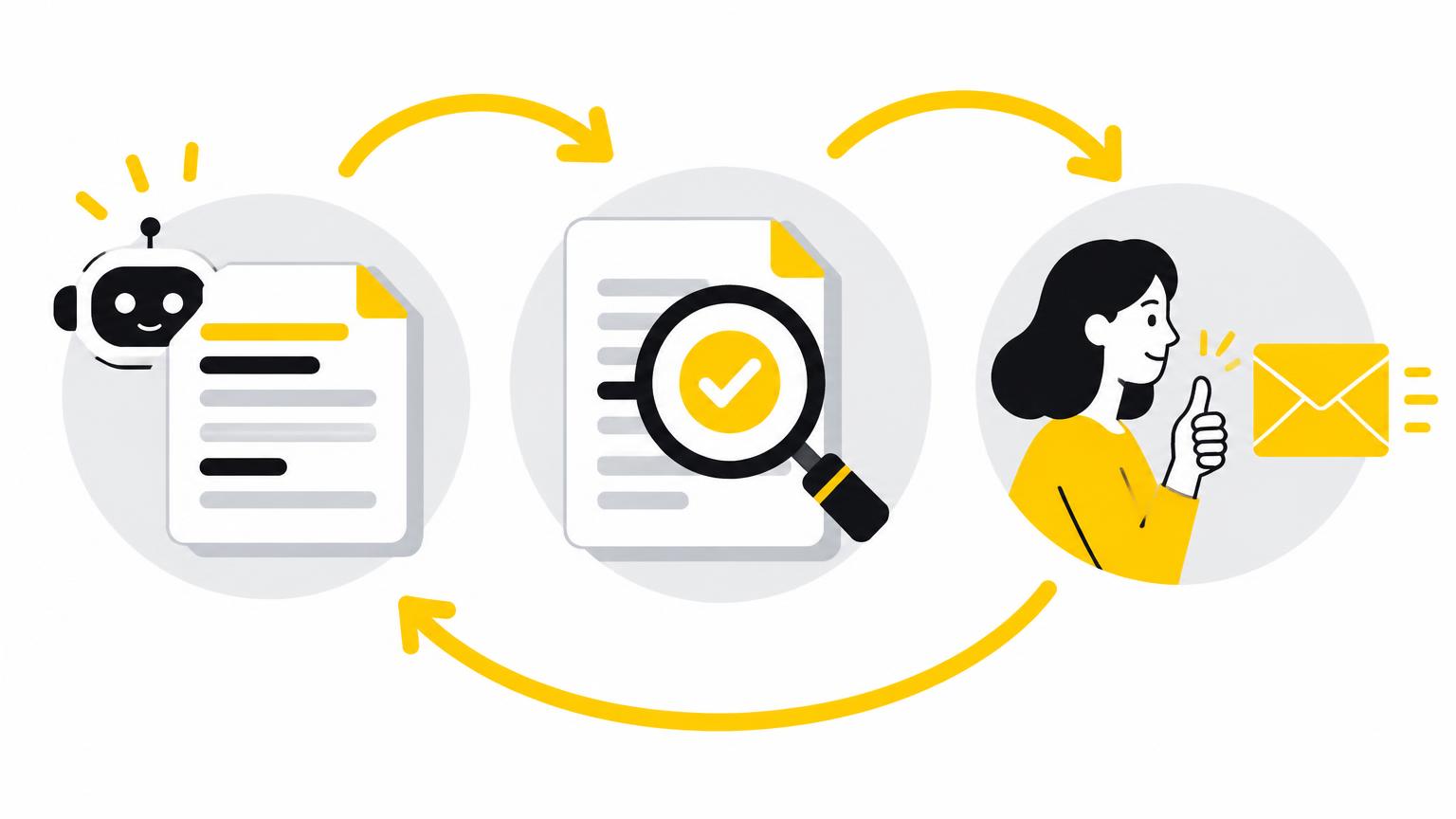
Before any AI-assisted output is used in your agency's real work, check:
- Was any real customer data used, and was that approved?
- Does the output match a process your team actually follows?
- Has someone assigned to the pilot reviewed the errors, not just the successes?
- Would this be acceptable if a regulator or a customer asked how it was produced?
If you want a faster start on everyday writing tasks, our free prompt library for insurance brokers has ready-to-adapt templates you can test on a small task like this one.
Trusted sources
- NAIC, artificial intelligence in insurance
- NIST AI Risk Management Framework
- OpenAI, prompt engineering guide
- FTC, privacy and security guidance for businesses
- State insurance departments directory, NAIC
This guide is general education, not legal advice.