Automation sounds exciting, but the right question is narrower: which tasks can be checked by a person before they affect a customer? This guide helps you map a workflow, find the parts AI can touch safely, and keep the parts that must stay human.
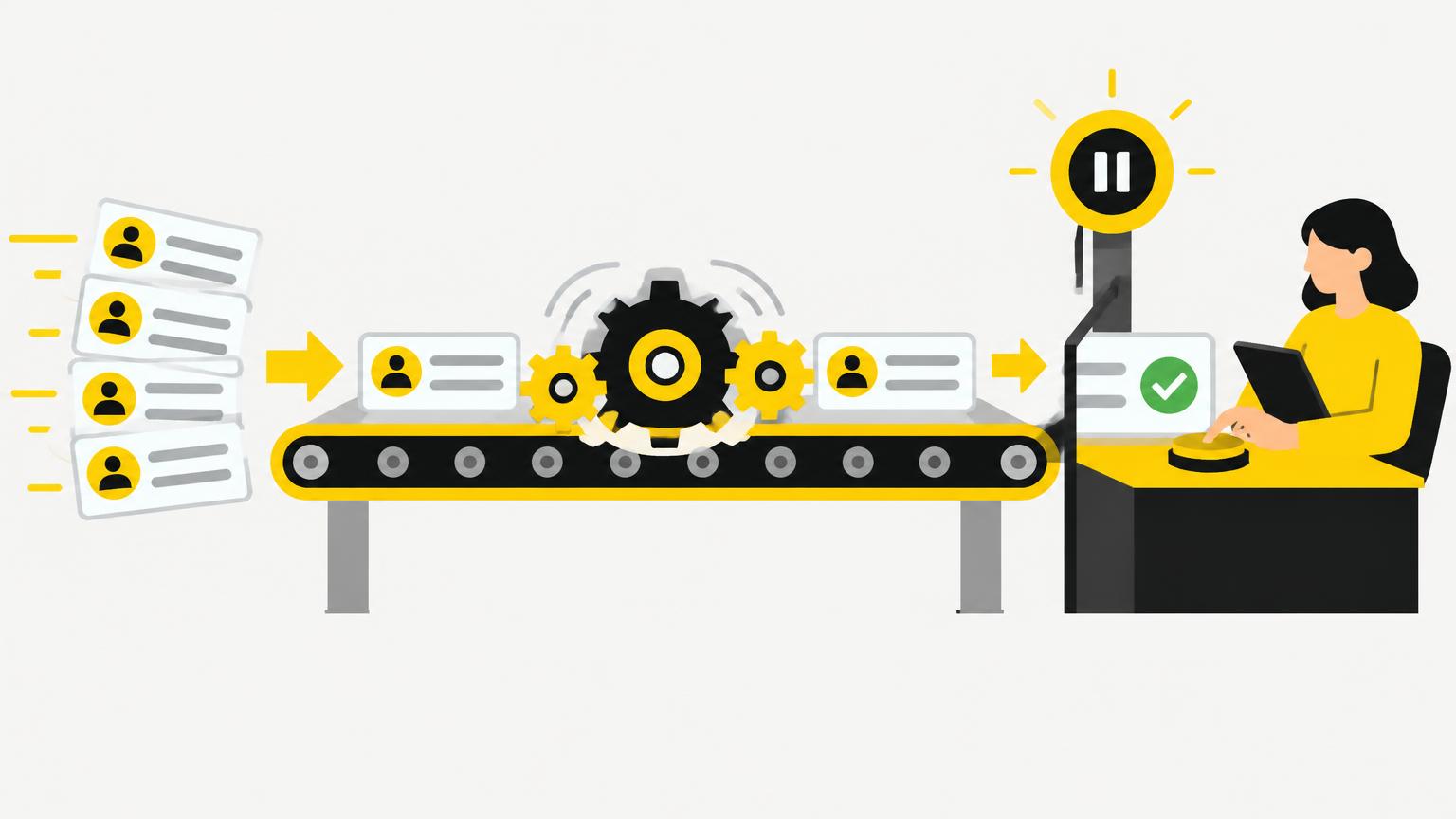
What AI can and cannot do
AI tools can follow a defined set of steps, apply rules you give them, and produce drafts or suggestions quickly. They cannot judge exceptions they were not told about, and they should never be the final word on anything that affects coverage, pricing or a customer's rights.
In plain words:
- AI can help sort, draft, summarize or flag items that follow a clear, repeatable pattern.
- AI cannot decide what happens when a case does not fit the pattern, and it should not approve or finalize anything on its own.
Tasks AI helps with vs what stays with a person
| Task | AI can help | Stays with a person |
|---|---|---|
| Sorting routine requests into a queue | Yes, with defined categories | Reviewing anything flagged as unclear |
| Drafting a standard acknowledgment message | Yes, as a first draft | Approving and sending |
| Preparing an internal checklist from a process description | Yes | Confirming it matches real steps |
| Flagging missing documents against a fixed list | Yes | Deciding what to do about the gap |
| Approving coverage, exceptions or payments | No | Always a licensed person |
Step-by-step example
- Pick one workflow, such as routing new document requests. Write down every step a person currently takes.
- Identify which steps are simple pattern matching (what type of document is this) and which require judgment (is this urgent, does it need an exception).
- Let AI assist only with the pattern-matching steps, using anonymized test data first.
- Assign one person to review every AI suggestion during the pilot and to correct mistakes.
- Compare the AI-assisted output against the outcome a person would have reached on their own, for several weeks, before relying on it more broadly.
- Write down, in plain language, what the workflow should never let AI decide.
Example prompt
You are helping sort incoming requests for an insurance agency. Here is a description of the current manual process: [paste process description]. Suggest which steps could be supported by an automated first pass and which steps need a person to decide. List any assumptions you made, and flag any step where a mistake could affect a customer.
Protecting customer data
Use anonymized or synthetic records while you are designing and testing a workflow. If a workflow will eventually touch real customer information, confirm with your agency which tools are approved, what the vendor's data retention and training policies are, and who has access to the output. Avoid feeding real Social Security numbers, account numbers or health information into any tool that has not been reviewed.
Human review checklist
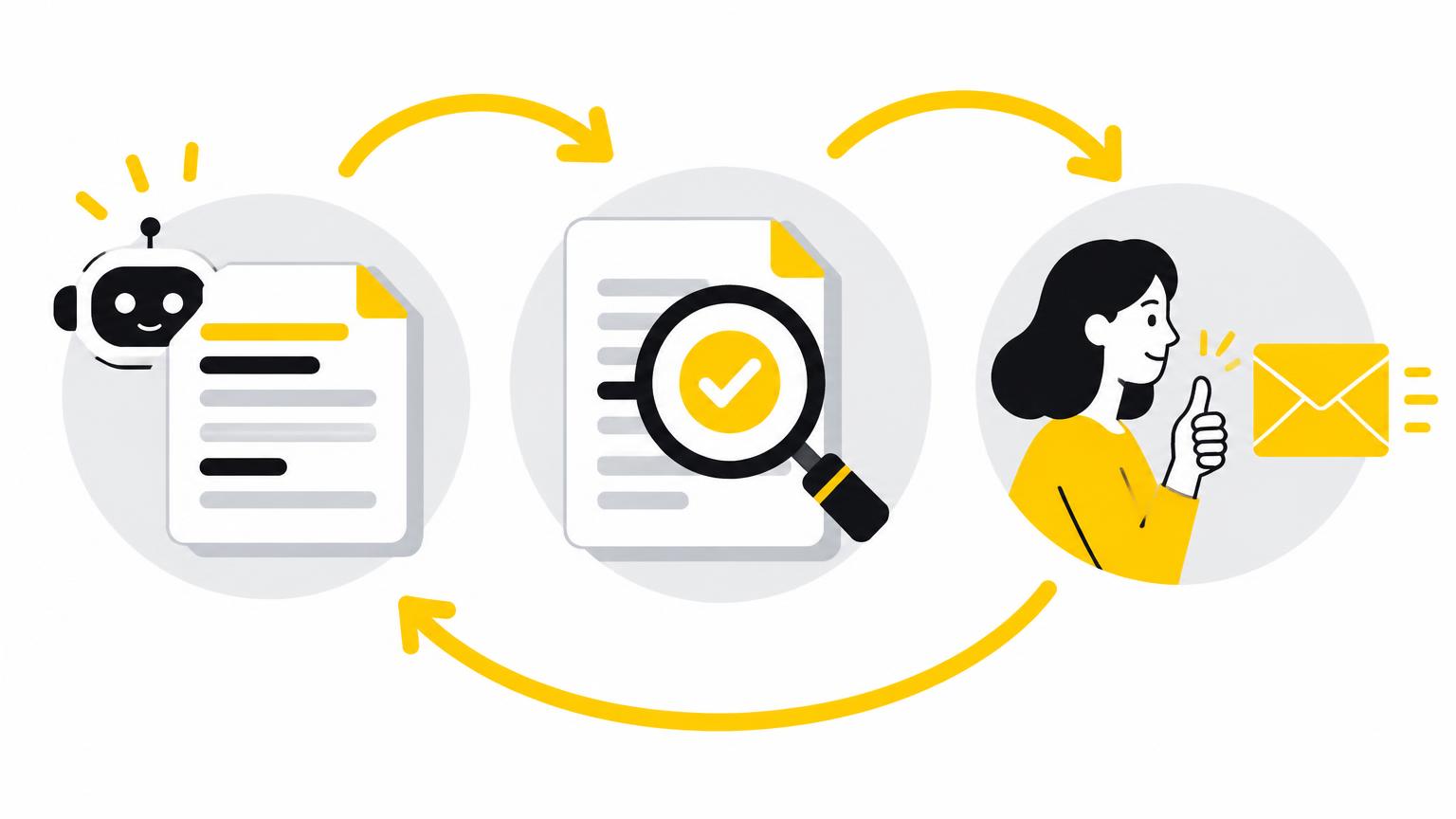
Before expanding a pilot, confirm:
- Every exception case has a defined owner who is a person, not the AI tool.
- The pilot has run long enough on test or anonymized data to show a pattern of errors, not just one good run.
- Someone can explain, in plain language, exactly what the AI step does and does not decide.
- There is a documented way to pause or roll back the automation if it misbehaves.
If you need a head start on the drafting pieces of a workflow, like acknowledgment emails or internal notes, our free prompt library for insurance brokers has adaptable templates to test.
Trusted sources
- NIST AI Risk Management Framework
- NAIC, artificial intelligence in insurance
- OpenAI, prompt engineering guide
- Anthropic, prompt engineering overview
- FTC, privacy and security guidance for businesses
This guide is general education, not legal advice.