You do not need to be technical to get good results from tools like ChatGPT, Gemini or Claude. You need to brief them the way you would brief a smart new assistant on their first day: clearly, with context, and with clear limits on what they must never invent.
First, what an AI assistant actually does
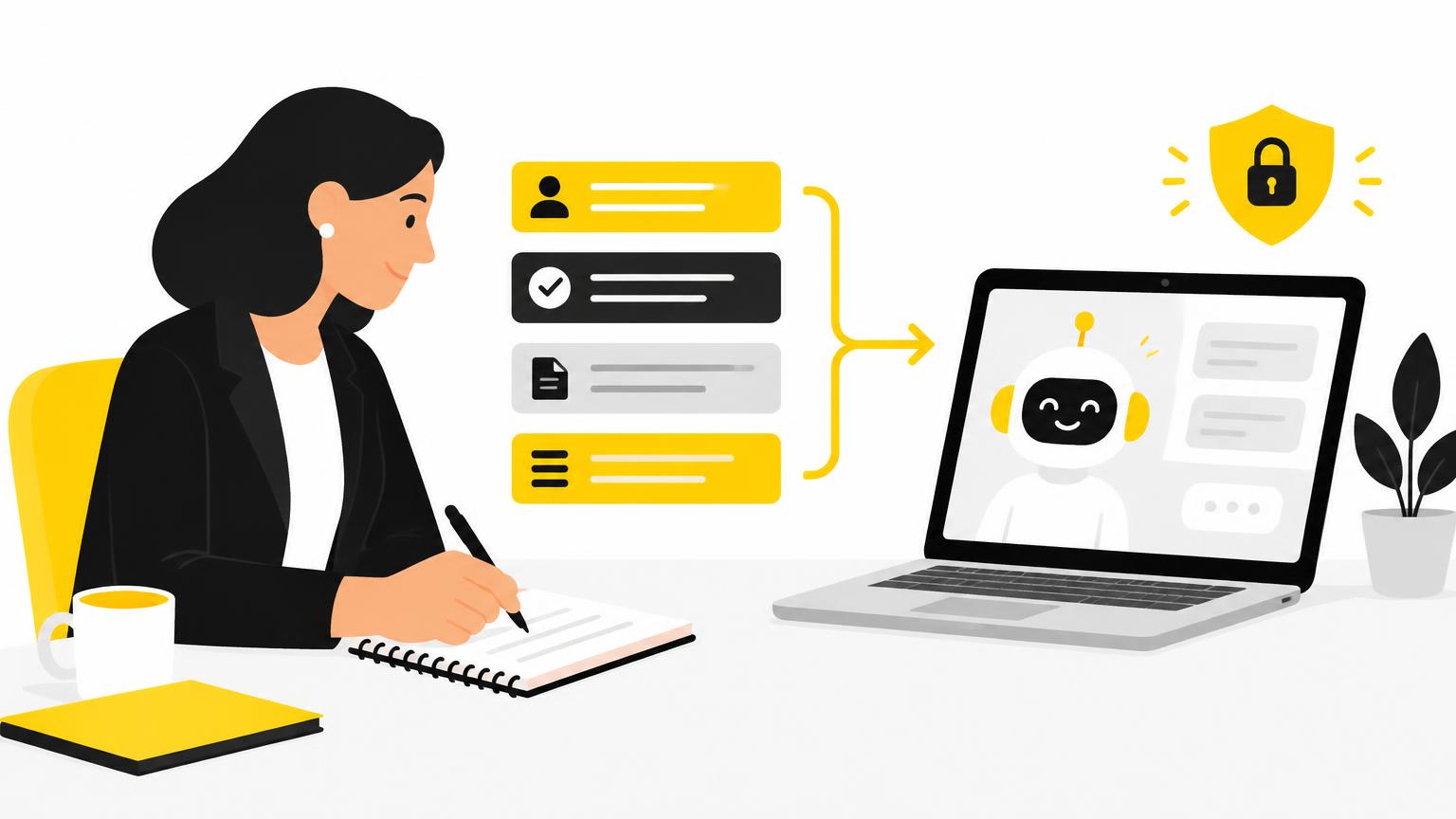
An AI chat assistant is a language model. It predicts the most likely useful text based on your instructions and the patterns it learned in training. Three consequences matter for your daily work:
- It does not know your customers or your policies unless you tell it, and it does not check facts by itself.
- It can sound confident and still be wrong. Model providers call this "hallucination" and openly warn about it. Every output is a draft.
- Vague instructions produce generic text. OpenAI's own guidance puts it simply: the model cannot read your mind, so the more specific you are, the better the result.
The 4-part prompt formula
Google's prompting guide for Gemini recommends building prompts from four ingredients. They map neatly onto insurance work:
| Part | What to write | Insurance example |
|---|---|---|
| Role | Who the AI should act as | "You are an assistant to an independent insurance broker." |
| Task | The single job to do | "Draft a short email asking for missing documents." |
| Context | Verified facts and the audience | "The customer is a small bakery owner renewing a business policy." |
| Format | Length, tone, structure | "Under 120 words, friendly, with a bulleted list of documents." |
Then add a fifth line that protects you: limits. For example: "Do not invent premiums, coverage details, deadlines or legal statements. Use [placeholders] where information is missing."
Before and after: the same request, two prompts
Weak prompt:
Write an email to a client about their renewal.
Strong prompt:
You are an assistant to an independent insurance broker. Draft a renewal reminder email for a small business customer. Their policy renews on [date]. Ask them to confirm whether their number of employees or annual revenue has changed. Tone: warm and professional. Length: under 120 words. Do not mention prices, coverage changes or deadlines other than [date].
The second version is longer, but every line removes a guess the AI would otherwise make.
5 techniques the AI companies recommend
These come straight from the official guides published by OpenAI, Google and Anthropic, translated into everyday practice:
- Give examples. Paste an email you have already written and approved, and ask for "a new one in the same tone".
- Separate instructions from material. Put pasted text between clear markers such as
"""so the AI knows what to work on. - Break big jobs into steps. First ask for an outline of a customer guide, then for each section. Small steps are easier to check.
- Ask it to show what it is unsure about. Add: "List any assumptions you made." This makes errors visible.
- Iterate. Treat the first answer as a draft. Reply with "shorter", "less formal" or "add a closing question" instead of starting over.
Protecting customer data
The safest habit is simple: you rarely need real personal data to get a useful draft. Write the template with placeholders like [customer name] or [policy number], and fill them in yourself afterwards.
- Never paste medical information, Social Security numbers, financial account details or full policy documents into a public AI tool.
- Use fictional data when testing.
- Check your agency's approved tools and the vendor's data terms before using any AI service with customer information.
In the United States, insurance regulators are actively addressing AI. The NAIC adopted a Model Bulletin on the use of AI systems by insurers in December 2023, and many states have since adopted it. Rules on licensing, marketing and privacy still differ by state, so check with your state insurance department.
Always review before you send
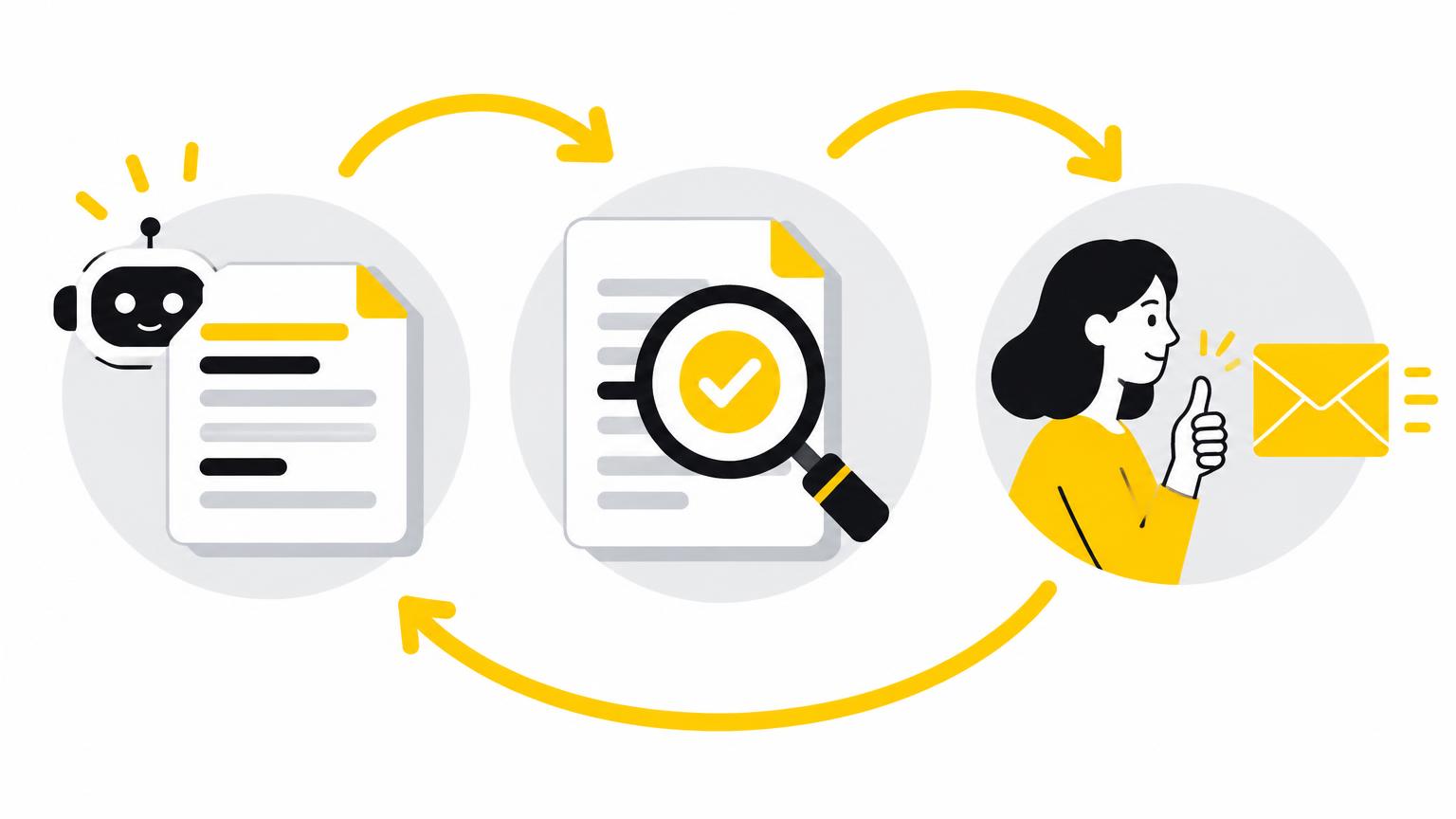
Use AI for the first draft, and keep the decision with a person. Before anything reaches a customer, ask yourself:
- Is every fact correct and taken from the actual policy or file?
- Does it avoid promising coverage, prices or claim outcomes?
- Would I be comfortable signing this with my own name?
Ready-to-adapt prompts
Want to skip the blank page? Our free prompt library for insurance brokers has tested templates for emails, social posts, Google Business Profile and Google Ads, with the parts to change already highlighted.
Trusted sources
- OpenAI, prompt engineering guide
- Google, Gemini for Workspace prompting guide
- Anthropic, prompt engineering overview
- NAIC, artificial intelligence in insurance
This guide is general education, not legal advice or an individual insurance recommendation.